# Incident Action Plan
## Overview
The Incident Action Plan uses the SMEACS format to summarise the plan for operations.
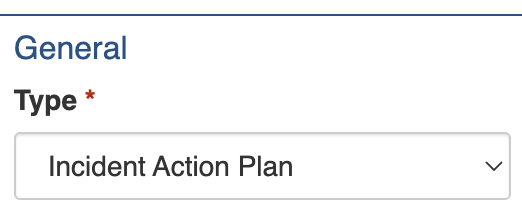
To configure an Incident Action Plan item, you must add or edit an Information item via the Information register and select the *Incident Action Plan* [Type](#type).
Unlock the Incident Action Plan settings by setting the Information's Type under General
Refer to the register guide for further instructions:
{% content-ref url="" %}
[](https://docs.cw.crisisworks.com/modules/operations/information)
{% endcontent-ref %}
## Settings
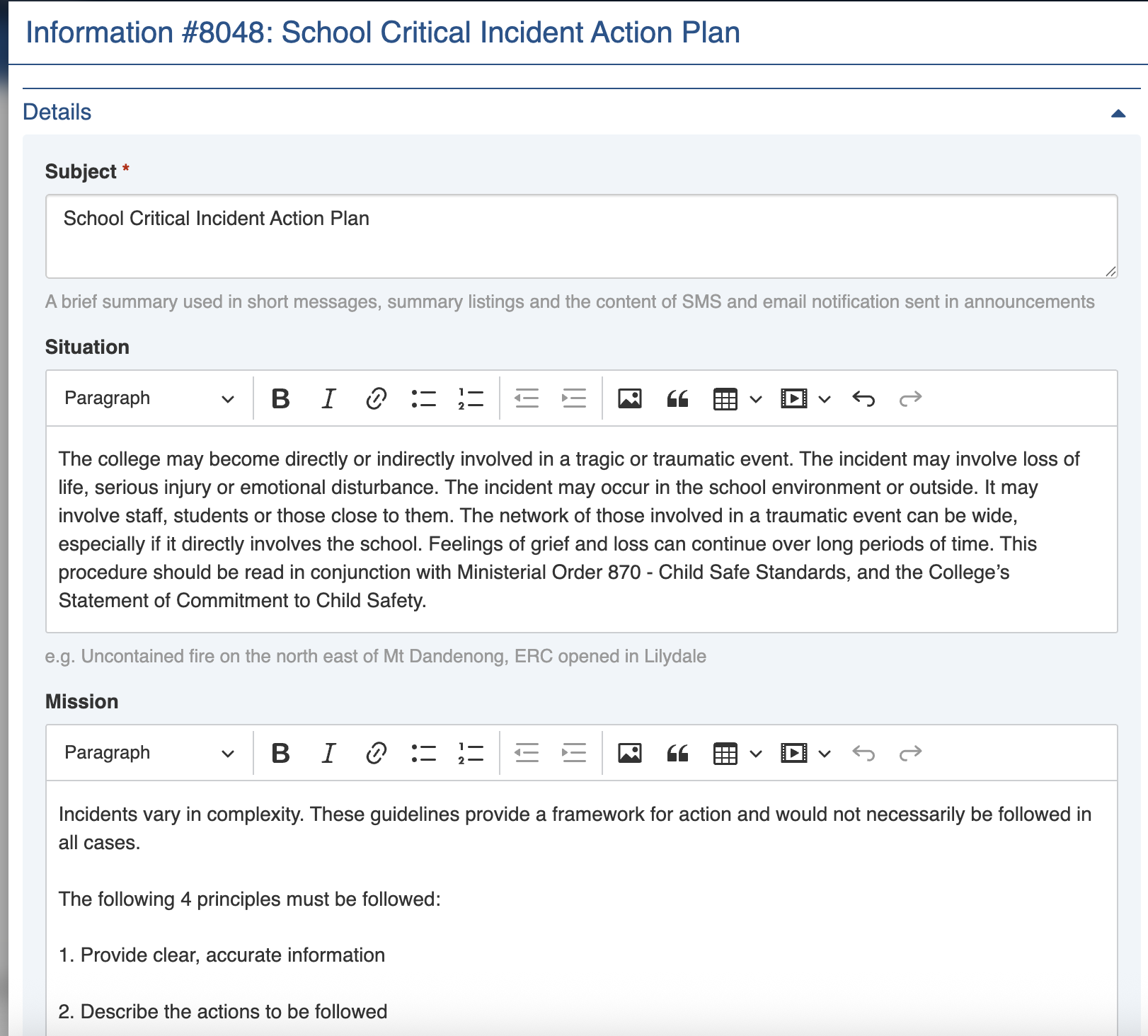
Feature of Interest items must include a **Subject**. This is used to identify it in lists and to give other personnel a summary of what it is about.
Use the following [rich text](https://docs.cw.crisisworks.com/concepts-and-fundamentals/on-a-computer/using-the-datagrid/editing-items#rich-text-fields) fields used to record critical information for dissemination including:
* **Situation -** specific incident scenario that the plan is covering
* **Mission** - a description of the current mission. e.g. To facilitate the shelter of residents, and where possible forward them on to other accommodation options.
* **Execution** - a description of how the mission will be executed
* **Administration** - instructions on administrative tasks such as shift times, worker instructions, etc
* **Communications** - any communications protocols, procedures or expectations
* **Safety** - any safety concerns, risks and issues. e.g. Outdoor floodlighting is yet to arrive for when it gets dark etc.
* **Attachments** - a [file upload](https://docs.cw.crisisworks.com/concepts-and-fundamentals/on-a-computer/using-the-datagrid/editing-items#attaching-files) field to support adding multiple files
Make sure to Save your item once you've finished to effect your changes.